
Product Drawings & Battery Connector Selection Resources
Find published product drawings and prepare the application, interface, electrical and quantity details needed for a battery connector selection enquiry.
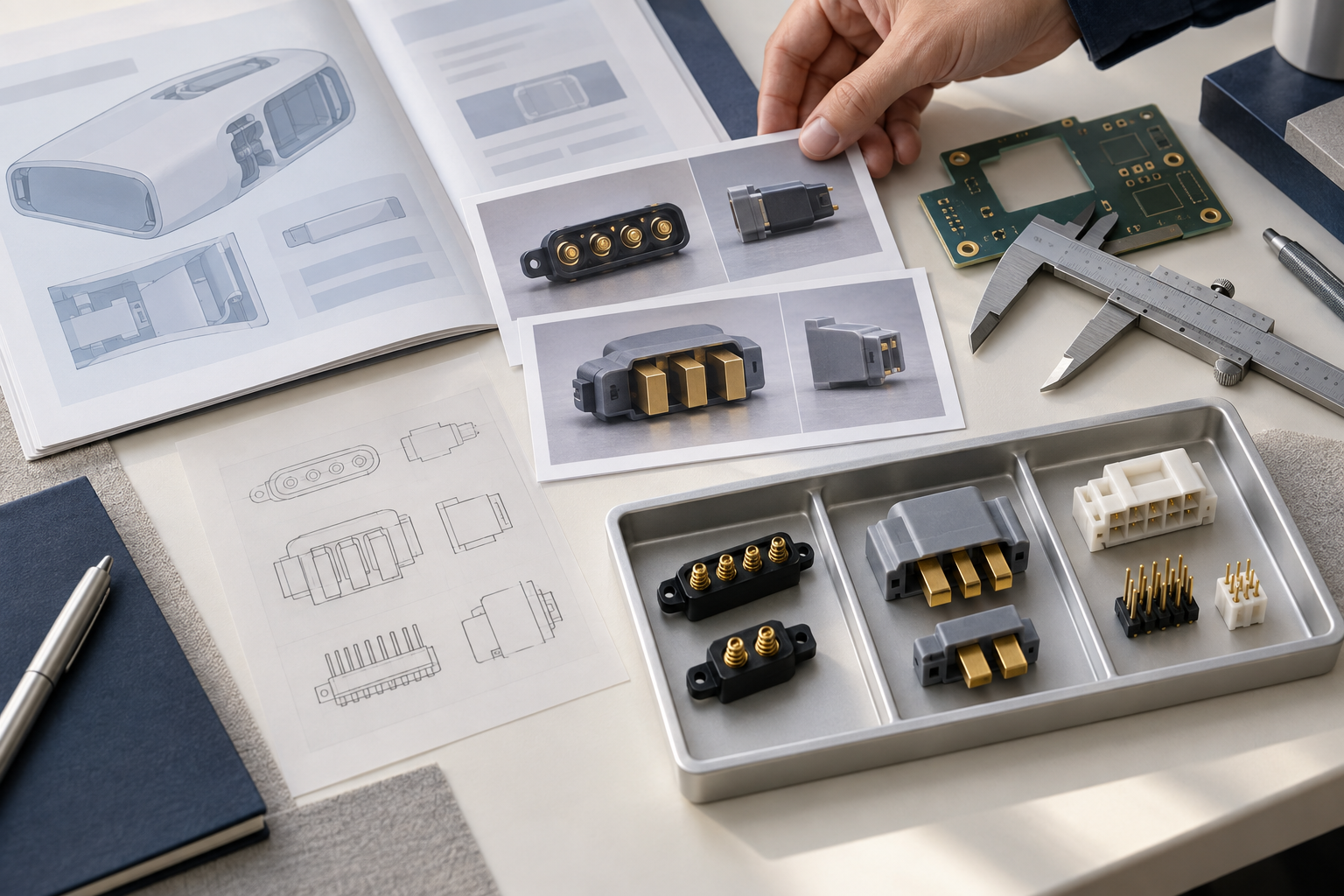
What information should you provide before selecting a battery connector?
Start with the application, interface drawings or photos, available installation space, electrical requirements, operating conditions and quantity plan. If the full part number is unavailable, share what you have and mark missing information “to be confirmed.” Keep estimates separate from confirmed specifications.
Six types of information to prepare
Application and connection point
Purpose · location · installation
View full checklist
Explain which components the connector joins, whether it carries power, charging current or signals, and how it will be installed and disconnected. State whether this is a new design or a replacement for an existing part.
Existing part and interface information
Part reference · mating side · revision
View full checklist
Provide the original part number, supplier reference or product markings. Include photos of the connector and its mating part, clearly showing the contacts, connection direction and retention features. Label drawings and CAD files with the model and revision.
Dimensions and assembly constraints
Pin count · space · retention
View full checklist
List the pin count, pitch, available length, width and height, contact direction, PCB pad or hole layout, and locating and retention requirements. If a mating part is already fixed, identify any interface dimensions that cannot change.
Electrical requirements and operating conditions
Voltage/current · environment · testing
View full checklist
Provide the operating voltage, continuous current, peak current and its duration, and the function of each contact. Add the operating temperature, vibration or moisture conditions, expected mating frequency, and any required testing, material or compliance documents. List unresolved requirements separately.
Sample and purchasing plans
Samples · quantities · target dates
View full checklist
Separate the sample quantity you would like to discuss from the expected purchase quantity. Include your target dates and the delivery country or region and city. A detailed private address is unnecessary for the first enquiry.
The question you need answered first
Fit · replacement · documentation
View full checklist
Identify whether the priority is fitting the available space, replacing an existing part, confirming the mating relationship or obtaining missing documentation. This helps define the next review.
What is easy to overlook?
Before replacing a part, compare pinout, contact direction, mounting dimensions and drawing revisions. Check current, voltage and life-cycle data in the datasheet for the same part number.
How do you start an enquiry?
- Organise available information
Use the six-part checklist and list open questions separately.
- Review the interface
Check dimensions, mating relationships and the specific drawing revision.
- Discuss samples and purchasing
Share quantities and target dates, then confirm supply conditions.
Send the information above, together with your list of open questions, to Kangsheng and include a reachable email address or phone number. You can first browse the spring battery connector selection and blade connector selection category pages and the published drawings. For an existing-part replacement, also review the alternative product enquiry guidance. Include the drawing part number, revision and any missing data in your enquiry.
Drawings
A selection of published drawings is listed below. Open a model for its product details and drawing previews, or search the product center for other models.
Need another technical document?
Send the part number, document type and application requirements by phone or email. Include the drawing revision.
Check the part number, drawing revision, pinout and mounting dimensions.